feature
Introducing the Chatbot Builder
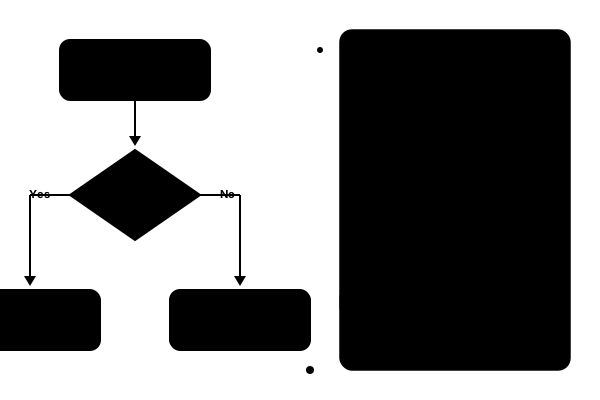
The Chatbot Builder is a visual flow designer that lets you create conversation flows without writing code.
What is the Chatbot Builder?
The Chatbot Builder gives you a drag-and-drop canvas to design how your chatbot interacts with customers. Instead of configuring bots through code or complex settings, you visually connect nodes to build complete conversation flows.
Node Types
The builder has nine node types:
- Text message: send a message to the customer
- Buttons: offer up to three choices
- List menu: offer up to ten choices in a list
- Media: send an image, video, audio file or document
- Condition: branch the flow based on which button or list option the customer picked
- Collect input: save the customer's reply, such as an email address or order number, for your team
- Action: add a label or assign a team
- Handoff: pass the conversation to your team, with an optional message
- End: close the flow with an optional message, and resolve the conversation if you choose
Common Flows
Here are some workflows you can build in minutes:
Greeting and Qualification
Greet incoming customers, ask what they need with a few buttons, and route them to the right team automatically.
Collect the Basics First
Ask for an order number or email address before a person joins, so your team can start helping straight away instead of asking for details.
Answer the Common Questions
Offer a list of your most common questions. Each choice sends the answer and ends the flow, and a "Talk to someone" option hands over to your team.
Handing Over to Your Team
While a flow is running, the conversation shows under the Bot view in your inbox, so your team can see what the bot is handling. When the flow reaches a Handoff node, the conversation goes to your team, is auto-assigned if you've switched that on, and your agents get a "New chat waiting" alert.
Customers are never stuck with a bot. If a flow is switched off, or a bot conversation goes quiet for 24 hours, the conversation is handed to a person.
Get Started
The Chatbot Builder is available on Professional and Enterprise plans. Head to Automate → Chatbot to start building your first flow.